PDF Workbench
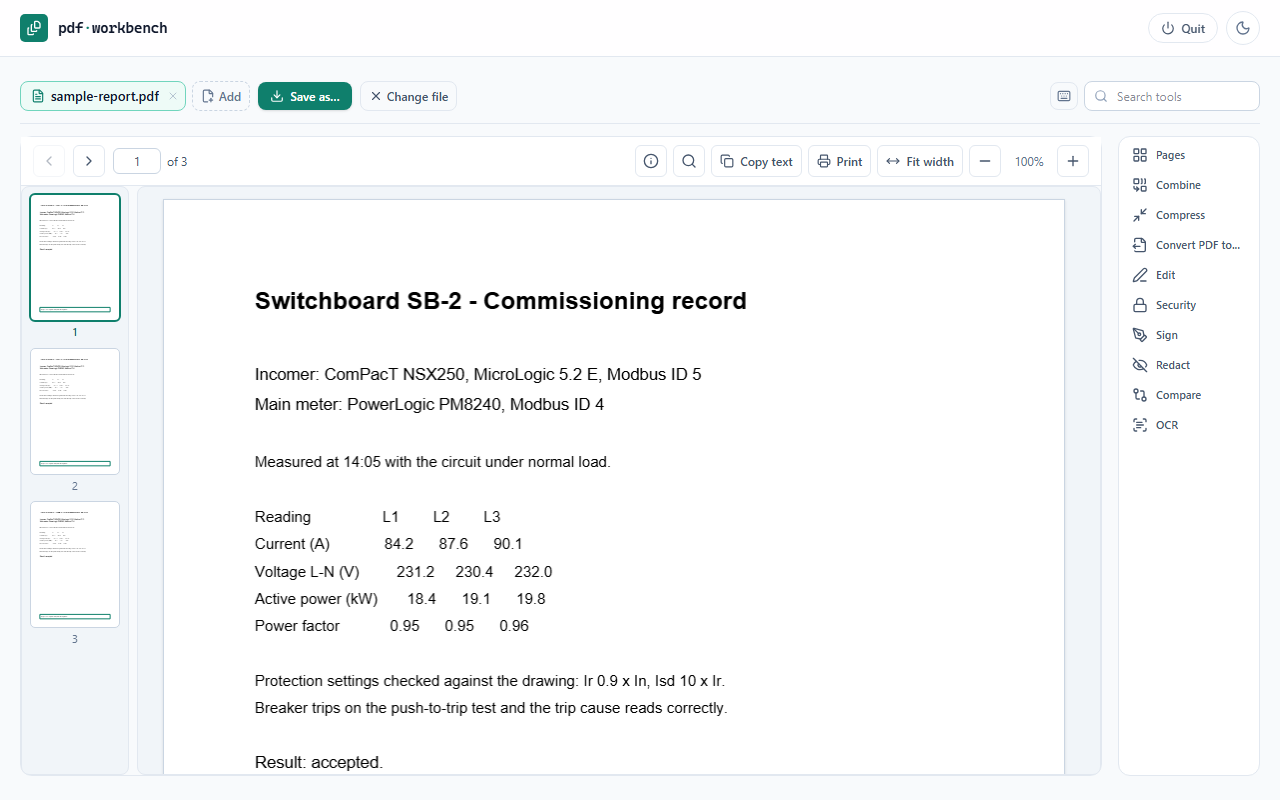
Every PDF tool, on your own PC.
Merge, split, compress, convert, sign, redact, compare and OCR PDFs without uploading them anywhere. Your files never leave the computer.
14-day free trial, all features. Windows 10 or 11 (64-bit).
Pages
Merge, split, sort, rotate, reorder and delete pages - with a Sort button for the order you want.
Convert
PDF to Word, Excel, PowerPoint and images, and images to PDF.
Scanned PDFs
Select and copy text from a scan as if it were typed, and turn scans into searchable PDFs with OCR.
Edit and sign
Add text, fill in, sign, protect with a password or remove one.
Redact and compare
Black out what must not be seen - properly, not just covered - and see what changed between two versions.
Private by design
Everything runs on your PC. No upload, no account, no tracking.
Documents
Questions
How does the free trial work?
Install it and choose Start free trial on the first screen. Everything works for 14 days. After that it asks for a licence; your settings are kept.
What do I get when I buy?
A licence key, shown after payment and emailed with your receipt. Type it into the app where it asks for one. The licence is yours to keep - one payment, no subscription.
Does it need the internet?
Only once, to activate the key. After that it works offline, and checks in now and then when it does have a connection.
I have a new PC. Can I move my licence?
Yes. In the app, open Licence and choose Move to another PC - or, if the old PC no longer starts, email Support@wrulx.com and we will free it. Then activate the key on the new one.
Our site PC has no internet, or we pay by invoice.
Email Support@wrulx.com with the machine code shown on the app's licence screen, and you will get an offline licence for that PC.